
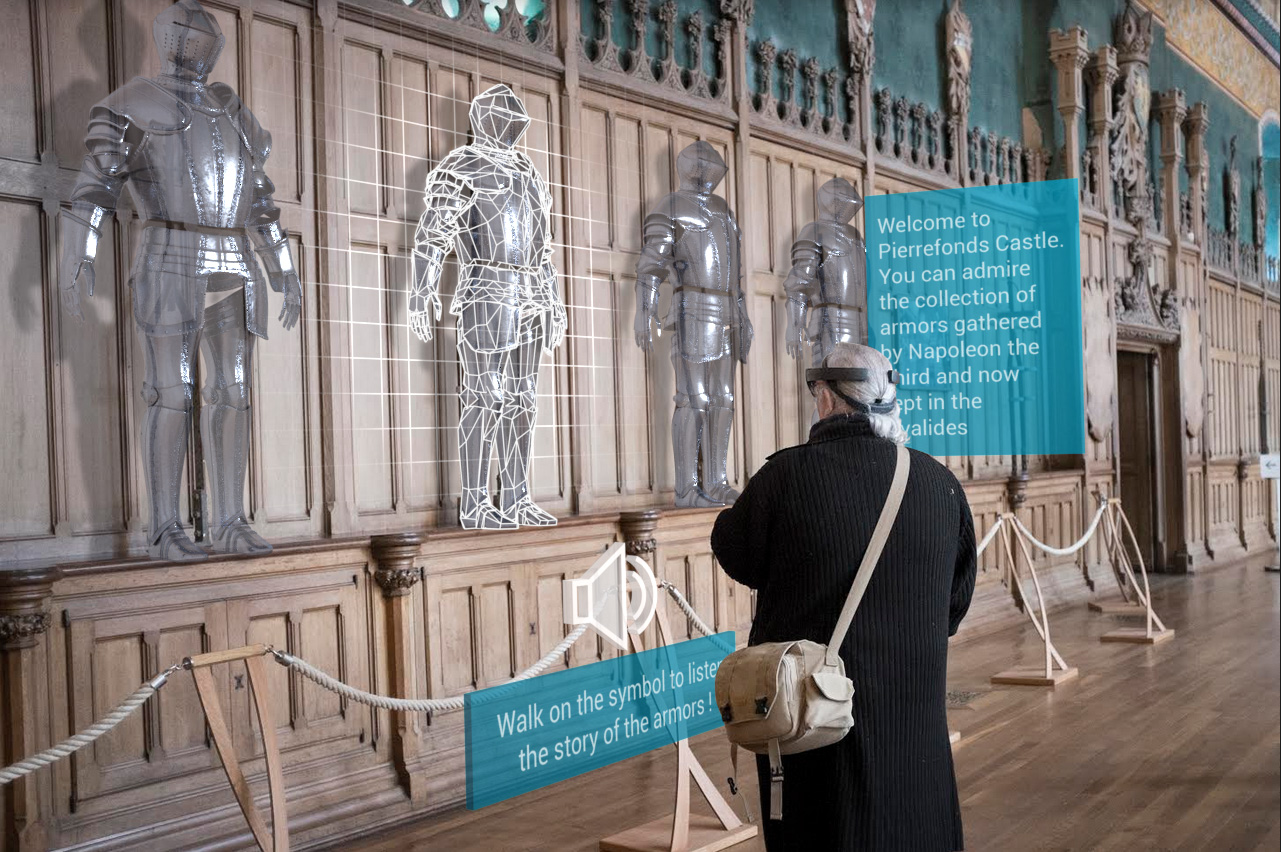
In 2017, at Opuscope, a team of curators deployed their first location-based AR experience at Pierrefonds Castle using Microsoft HoloLens and Minsar Studio, our no-code platform for designing and sharing AR experiences.
That team spent two weeks planning the scenario, then built the experience on-site, directly in the headset. Surprisingly, apart from the bugs, the main challenge was the cold (after hours, the castle dropped to 7°C) which made one thing obvious: we needed a way to scan a space once and let people edit the experience remotely, from somewhere warmer — at the time we thought a VR headset was the perfect answer for this, and yet it took 5 years to realize no-one sane wants to spend 7 hours a day working a in headset (this may change in the coming years…).
Anyway. The published experience ran on a fleet of HoloLens devices for castle visitors. On that first week-end of November, over three hundred people tried it, from age twelve to over eighty. It felt like a real sign of what was coming.
Sadly ten years later, one key building block is still missing.
What visionOS Already Solves
On visionOS, WorldAnchors can persist across sessions on the same device. You can also share them with nearby devices during an active session; starting visionOS 26, enterprise apps can align a coordinate space between nearby headsets without a FaceTime call via the managed Shared Coordinate Space entitlement and SharedCoordinateSpaceProvider.
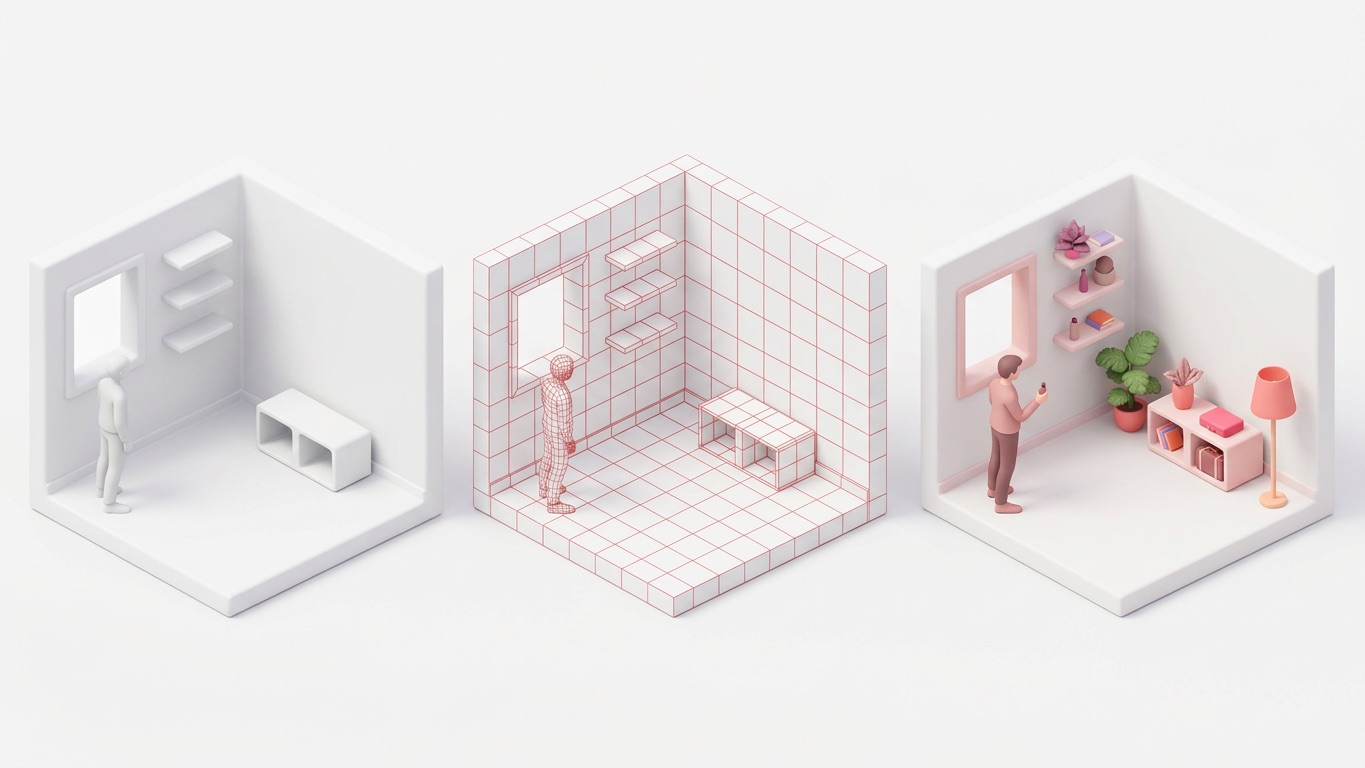
All of this is live sharing though. It assumes the devices are all up and running in the same room, at the same time. It doesn’t solve the workflow where one “main” device sets up an experience now, and other devices load It later.
The Missing Workflow
Predictably, we’re building for a real estate customer with exactly this problem. A salesperson visits a property, opens a virtual scene (the property is empty, only walls and floors), fine-tunes the placement, and the app creates a World Anchor, once and for all. When prospects arrive and put on a Vision Pro, they need to see that same scene perfectly anchored in the same physical space.
On iOS, this is possible with ARWorldMap with some extra dev work. On visionOS, there’s sadly no supported equivalent.
This missing piece isn’t anchor persistence on one device, and it’s not live nearby sharing. It’s asynchronous handoff: a supported and documented way to transfer a World Anchor or a coordinate space across devices and disconnected sessions.
That tiny bit of distinction actually matters a lot. In a sales workflow, the salesperson should be focused on pitching the property and guiding the prospect - which can be done with an iPad, as they shouldn’t be bothered wearing the Vision Pro for this.
The Workaround
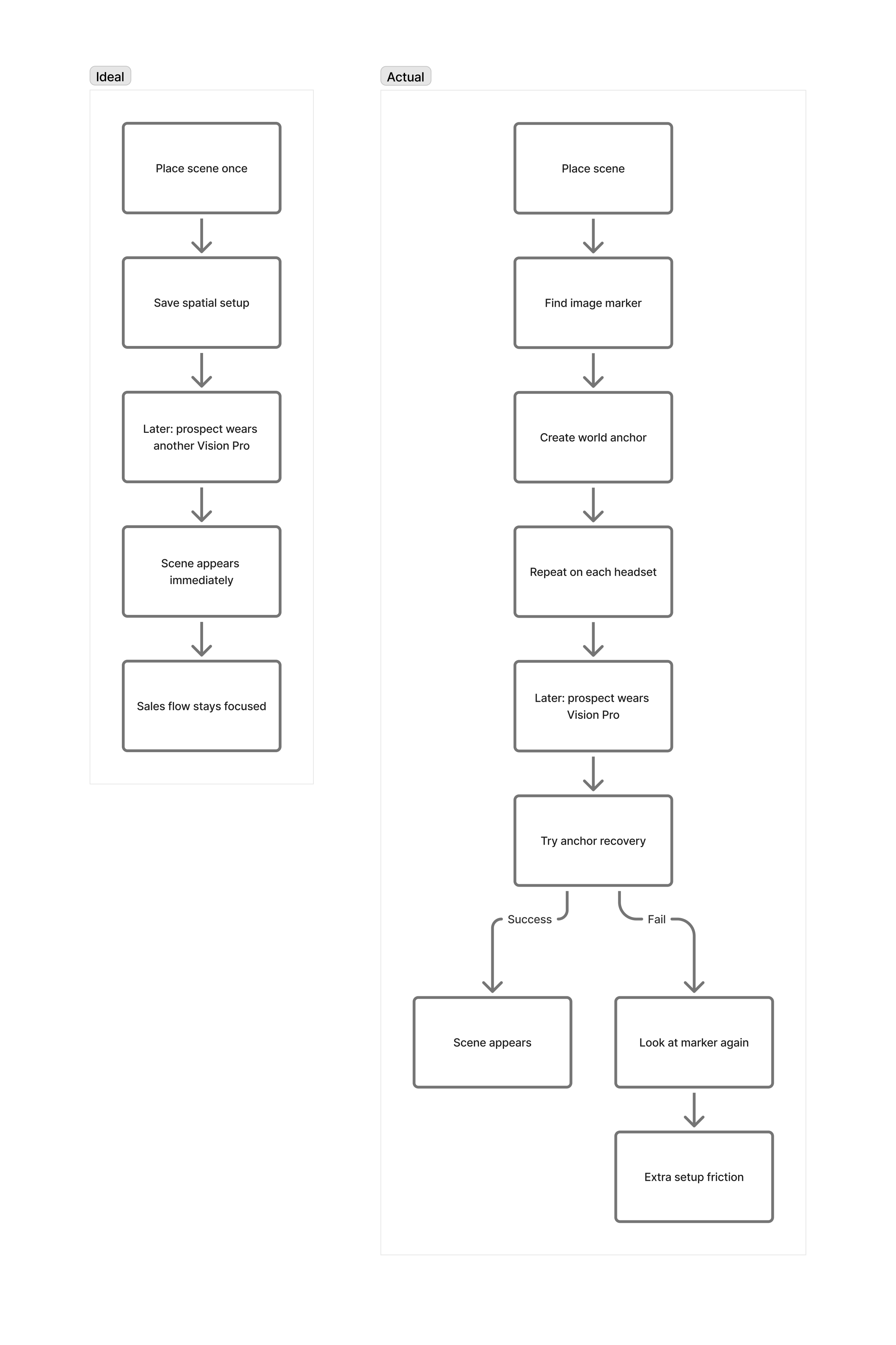
If you’re working in the AR industry, our current workaround won’t surprise you: it’s an image marker -- or at least a physical object such as the Logitech Muse that acts as a ground-truth reference. You set it up once per device (optimistically), and use it as a fallback when the World Anchor can’t be recovered confidently by visionOS (which happens often on changing environment, but rarely in our scenario).
The flow is quite simple. On setup, ARKit finds the image anchor to establish an initial placement, then it creates a World Anchor. When a prospect arrives, the app attempts to reposition the virtual scene from the saved anchor. If it can’t recover the space, the app asks the user to go look at the image marker for a few seconds.
It technically works. But in a sales context, every extra step is friction. The salesperson loses a little time on each device, and that compounds fast across a fleet of devices and dozens of properties.
Friction has been spatial computing’s biggest enemy for more than a decade, and Apple has proved their ability to remove it.
A proper API for asynchronous cross-device persistence would dramatically help remove that friction. Given Apple’s focus on enterprise use-cases with visionOS, we feel it’s a natural improvement for the platform.