
R&D prototype
Meije Render Lab
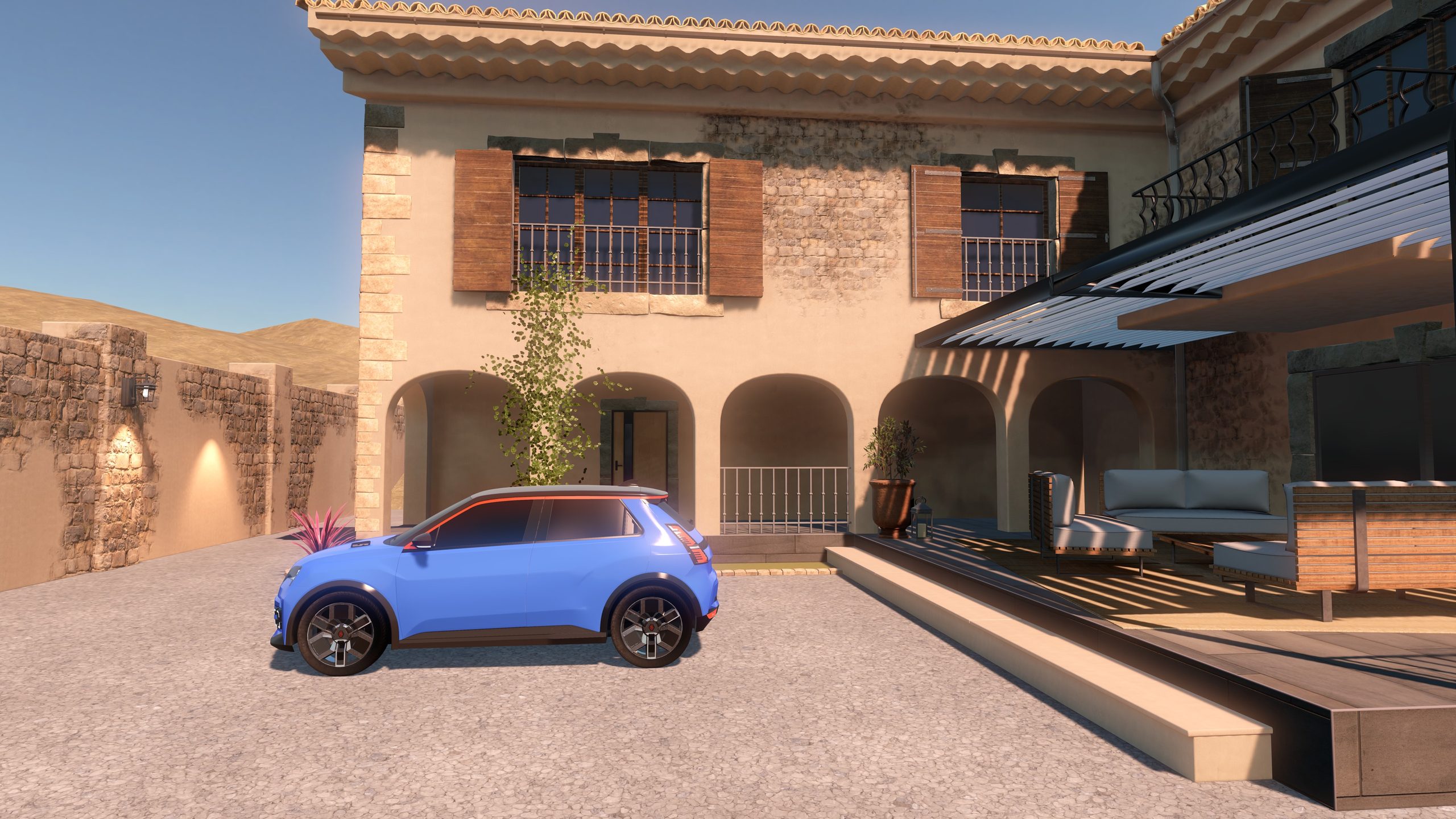
An R&D prototype by Studio Meije to benchmark rendering techniques on Apple Vision Pro. The same scene runs on the headset with RealityKit, and on a PC with Unreal Engine, streamed with NVIDIA CloudXR.
R&D prototype
An R&D prototype by Studio Meije to benchmark rendering techniques on Apple Vision Pro. The same scene runs on the headset with RealityKit, and on a PC with Unreal Engine, streamed with NVIDIA CloudXR.
We built one complex environment, a furnished house, a courtyard, foliage and a car, and rendered it two ways to compare visual quality, lighting and the trade-offs of each approach on the same headset.
Local · RealityKit
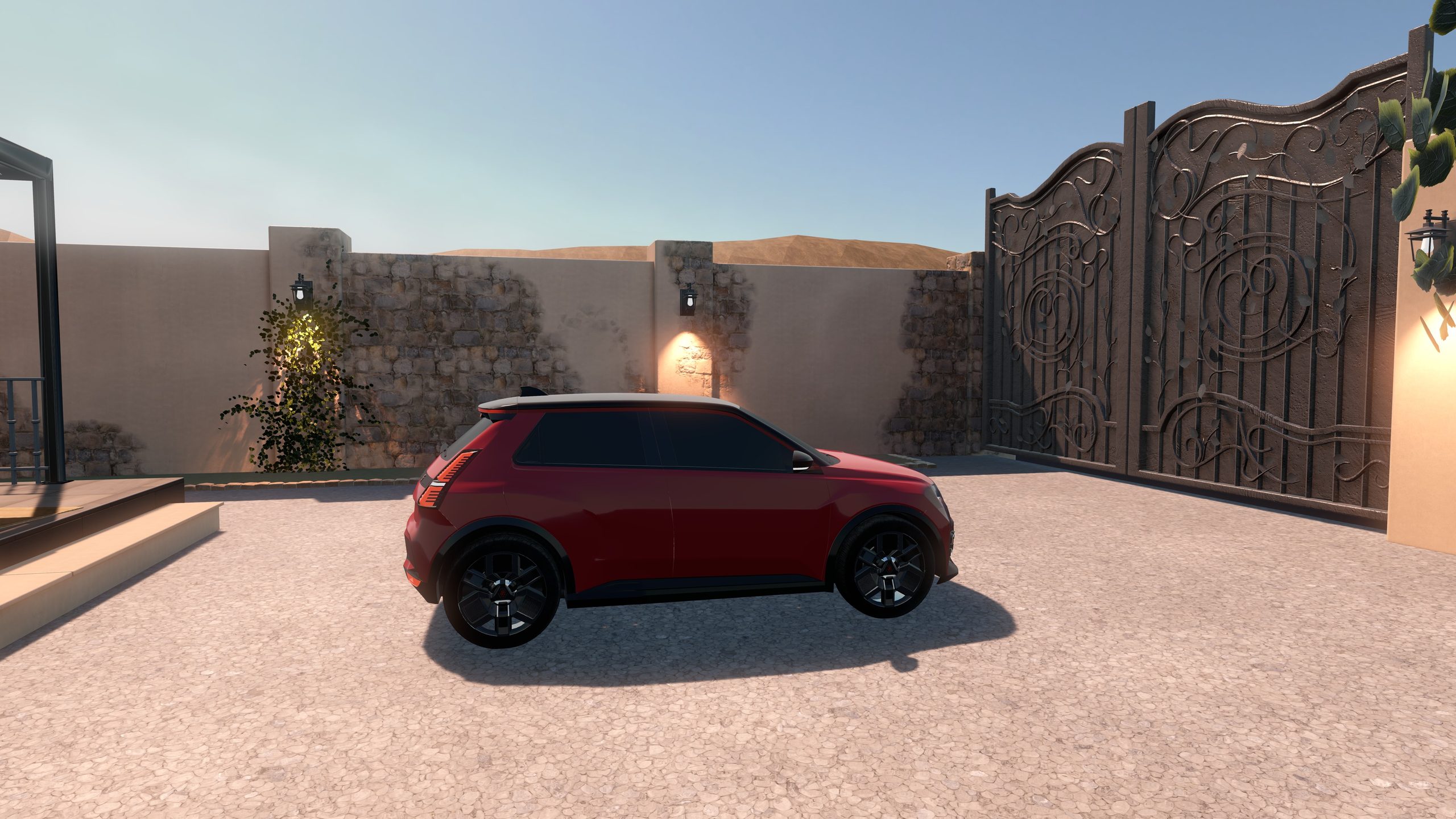
RealityKit renders the whole courtyard on Vision Pro with baked lightmaps, image-based light and real-time lantern lights. It shows how far on-device rendering goes, with no PC and no network.
Cloud · Unreal Engine
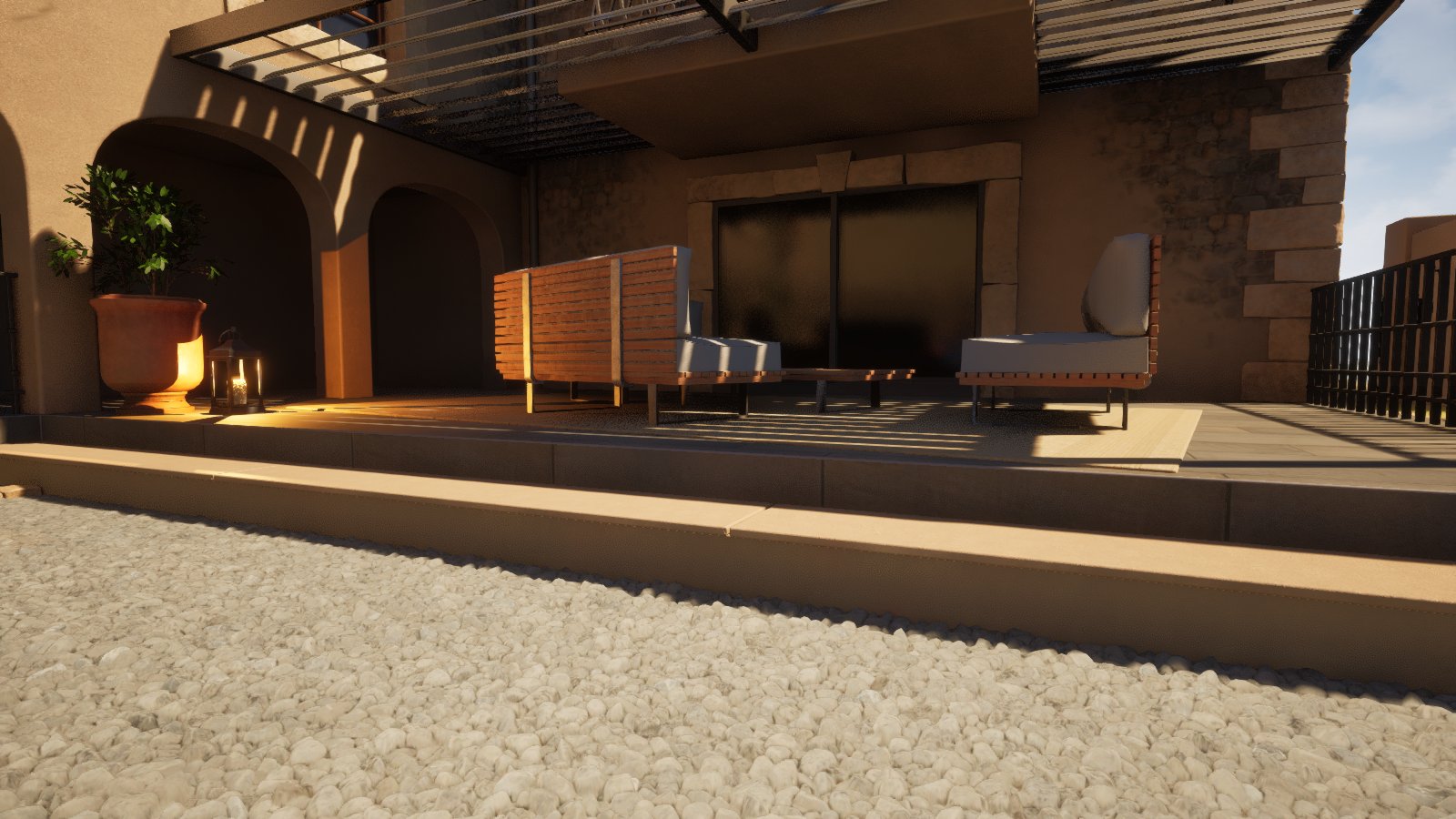
Unreal Engine renders the same scene on an NVIDIA RTX PC and streams it to Vision Pro with NVIDIA CloudXR and foveated streaming. It shows what remote rendering adds, and what it needs in return: a PC and a good network.
Both versions share the same controls, so you can look at the same detail in each and judge the difference yourself.
Paint
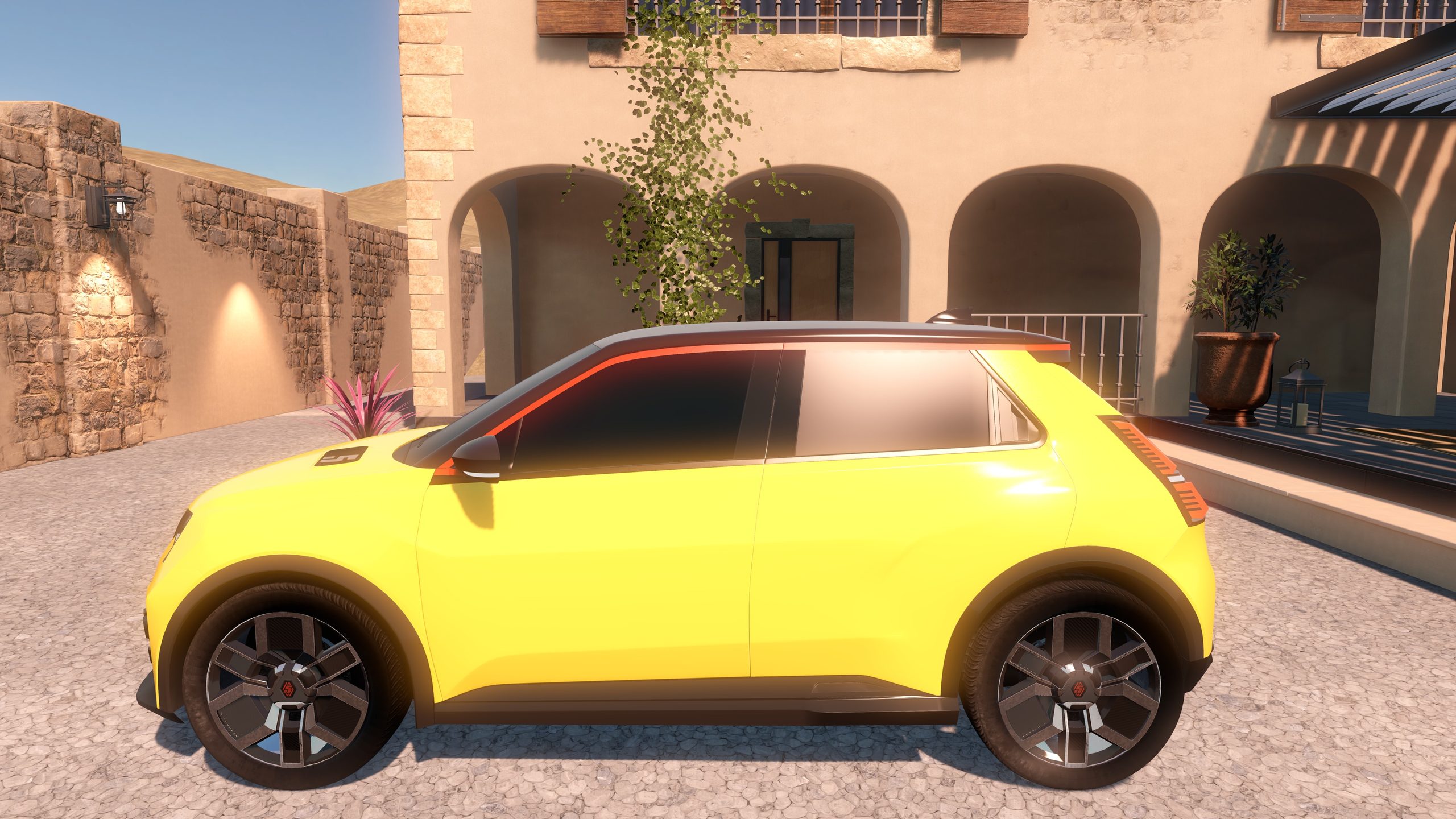
Choose one of eight paints and see how each technique handles the reflections and the light.
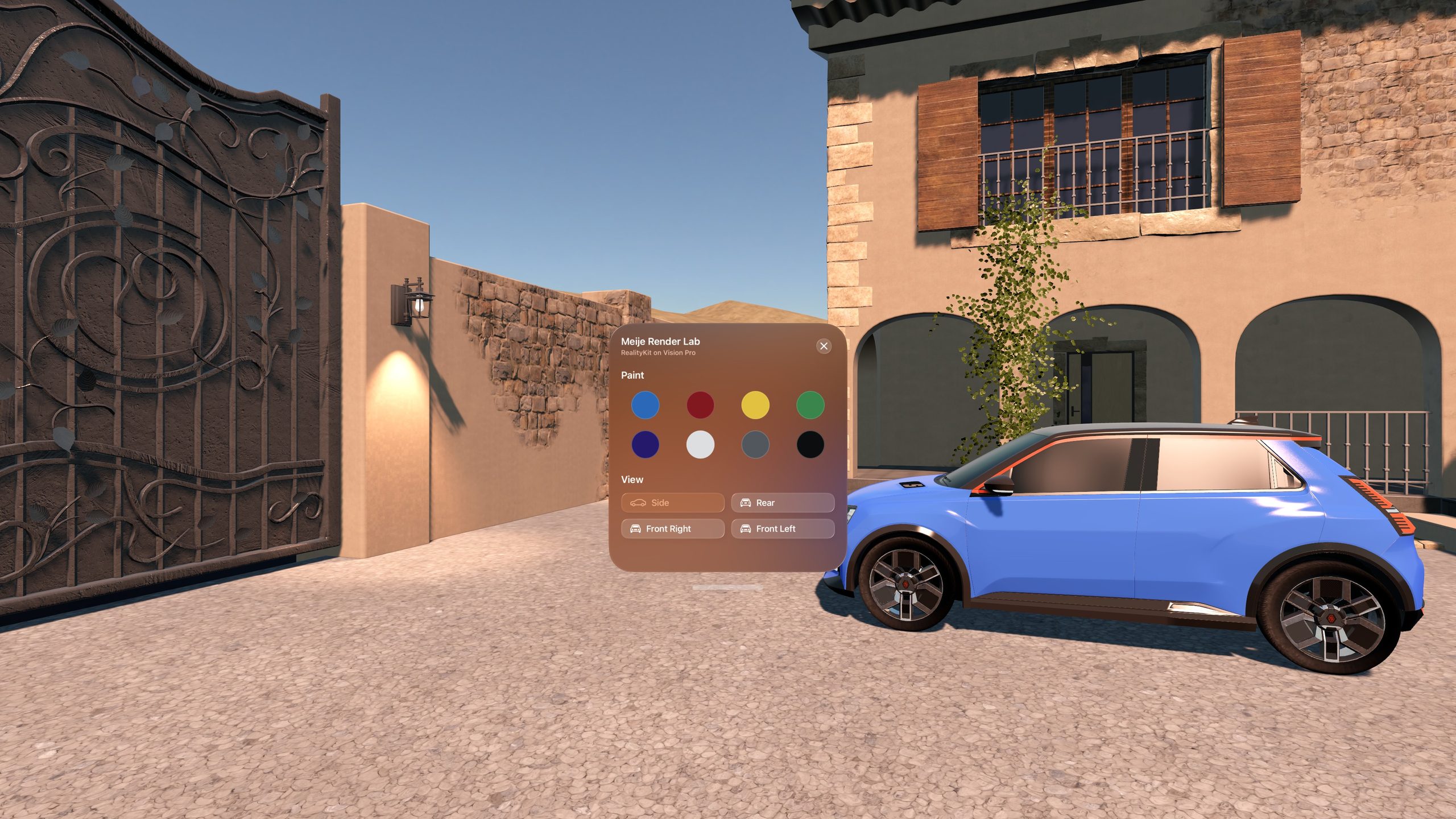
Viewpoints
Jump between four points around the car: side, rear, front right and front left.
The streamed version needs the free Meije Render Lab host, which runs the scene in Unreal Engine on a Windows PC.
Meije Render Lab helps us benchmark rendering techniques on Apple Vision Pro: what runs well on the headset, and what is worth streaming from a PC.
3D artwork
Matthieu created the 3D artwork of this scene, the car, the house and the courtyard, during his internship at Studio Meije. The project is part of that internship and of Studio Meije’s R&D into local and cloud rendering for Vision Pro.
Matthieu on LinkedInMeije Render Lab is free on the App Store for Apple Vision Pro.