
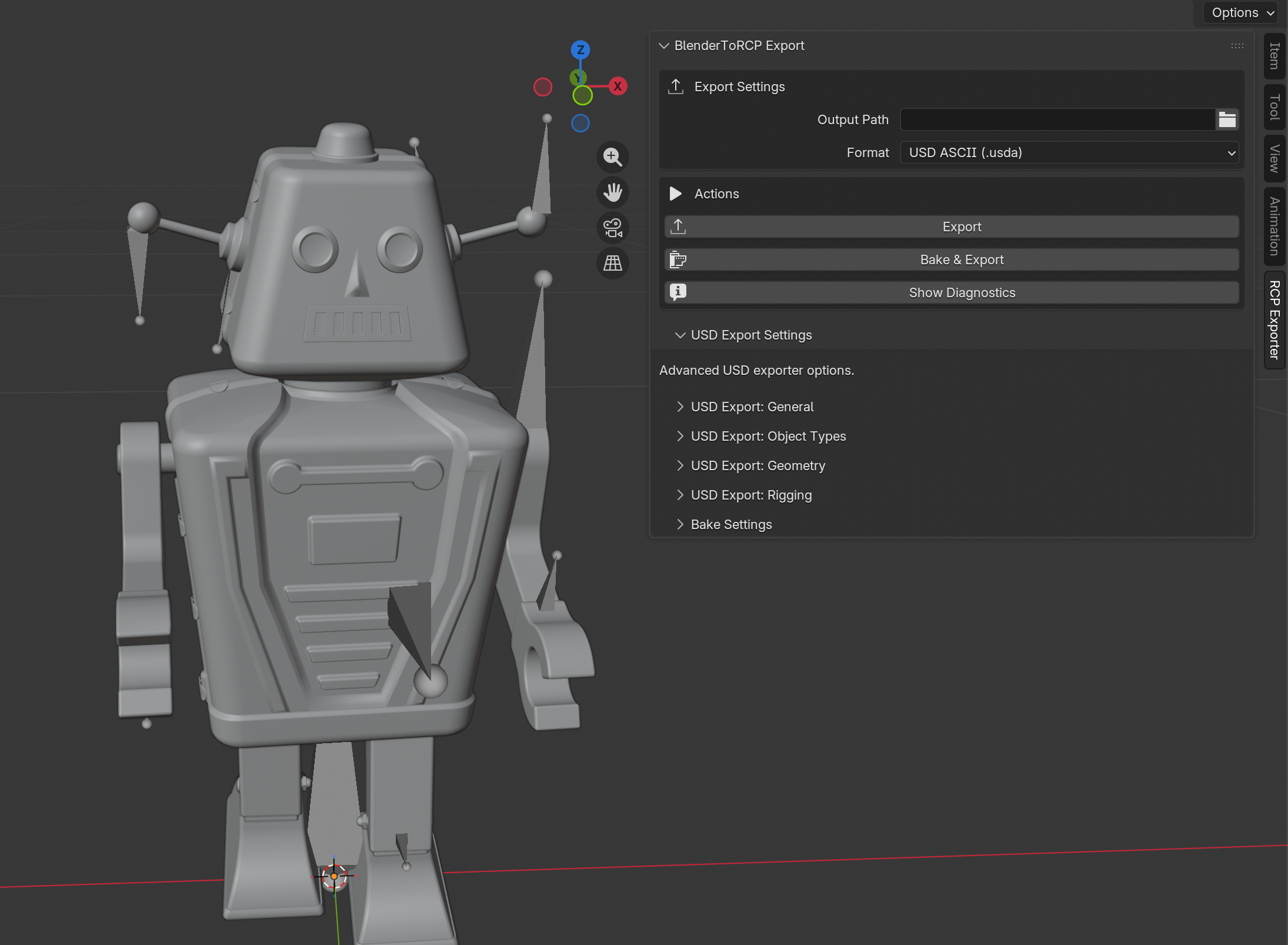
Exporting Blender scenes for Reality Composer Pro can be painful. That is exactly why we built BlenderToRCP — a Blender add-on that handles the messy parts of the handoff. We are releasing it as open source so everyone benefits.
Export Blender scenes to RealityKit
BlenderToRCP is a Blender add-on focused on getting assets from Blender into Reality Composer Pro and RealityKit with far less manual cleanup.
It exports .usda, .usdc, and .usdz while preserving USD controls for scene structure, geometry, rigging, transforms, units, and animation. After export, it stages textures and auxiliary assets beside the file with relative paths so everything stays portable. It can also collect Blender actions, bake them as needed, and author an animation library that fits the Reality Composer Pro workflow.
Beyond the UI, it also exposes a headless CLI and AI-agent skills so teams can inspect scenes, validate materials, export, bake, and manage settings from the terminal without driving Blender manually.
Where it really stands out is the material pipeline. Instead of dumping Blender shaders and hoping for the best, BlenderToRCP validates materials in strict mode, flags unsupported or ambiguous nodes early, and rewrites supported materials into RealityKit-compatible MaterialX graphs that Reality Composer Pro can actually edit.
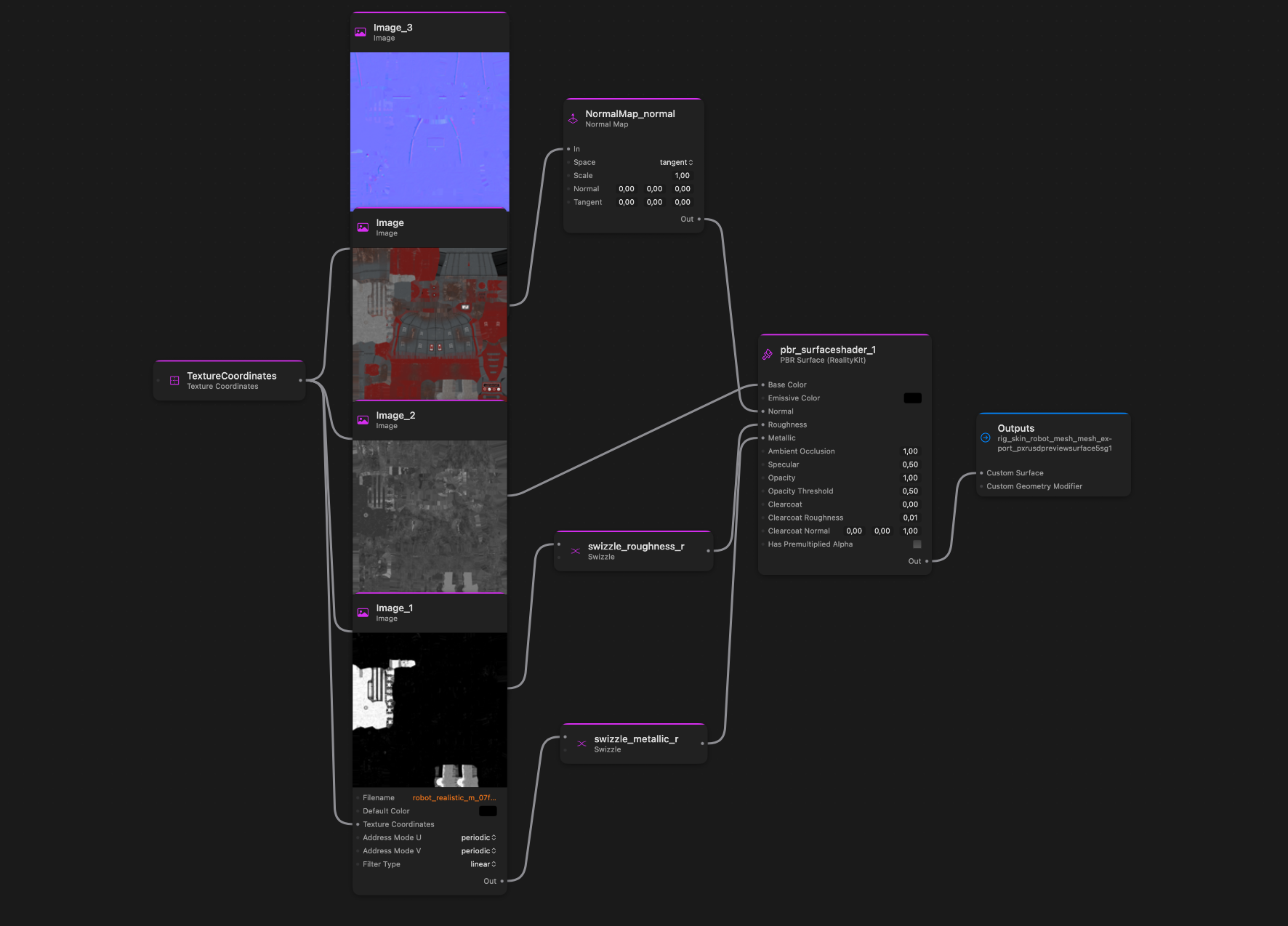
Inside Blender, artists get a RealityKit Compatibility panel, offending-node selection and cleanup tools, bundled PBR and Unlit authoring node groups, and a browsable RealityKit node catalog in the Shader Editor.
For tougher assets, the add-on can run Bake & Export in a second Blender process so the UI stays responsive. It bakes unlit or IBL-lit looks into textures, exports final materials as RealityKit Unlit surfaces when needed, and emits diagnostics — both as JSON and as an in-Blender view showing converted materials, failures, texture work, fallback nodes, and other export details.