
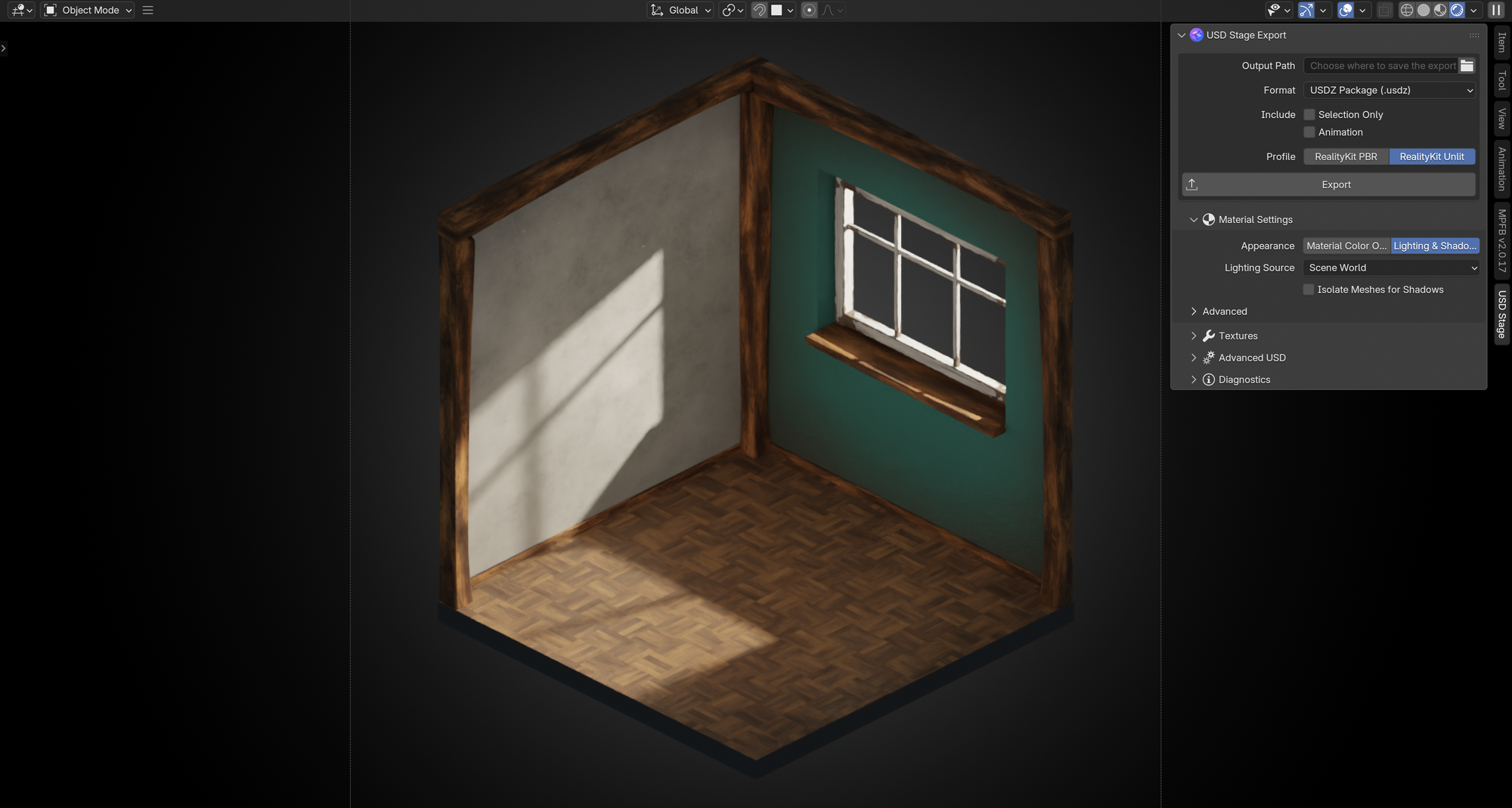
Earlier this year we open-sourced BlenderToRCP, a Blender add-on for getting scenes into Reality Composer Pro. Today we are releasing its successor: USD Stage for Blender 1.0. It is still free and open source, and it is now part of USD Stage, our product for reviewing and optimizing 3D assets.
USD Stage for Blender exports Blender scenes to .usda, .usdc or .usdz. It rewrites Blender materials into MaterialX graphs that Reality Composer Pro and RealityKit open, edit and render. It targets Blender 5.2 LTS, and Reality Composer Pro 3 or RealityKit on visionOS, iOS and macOS 27.
One Export button, four profiles
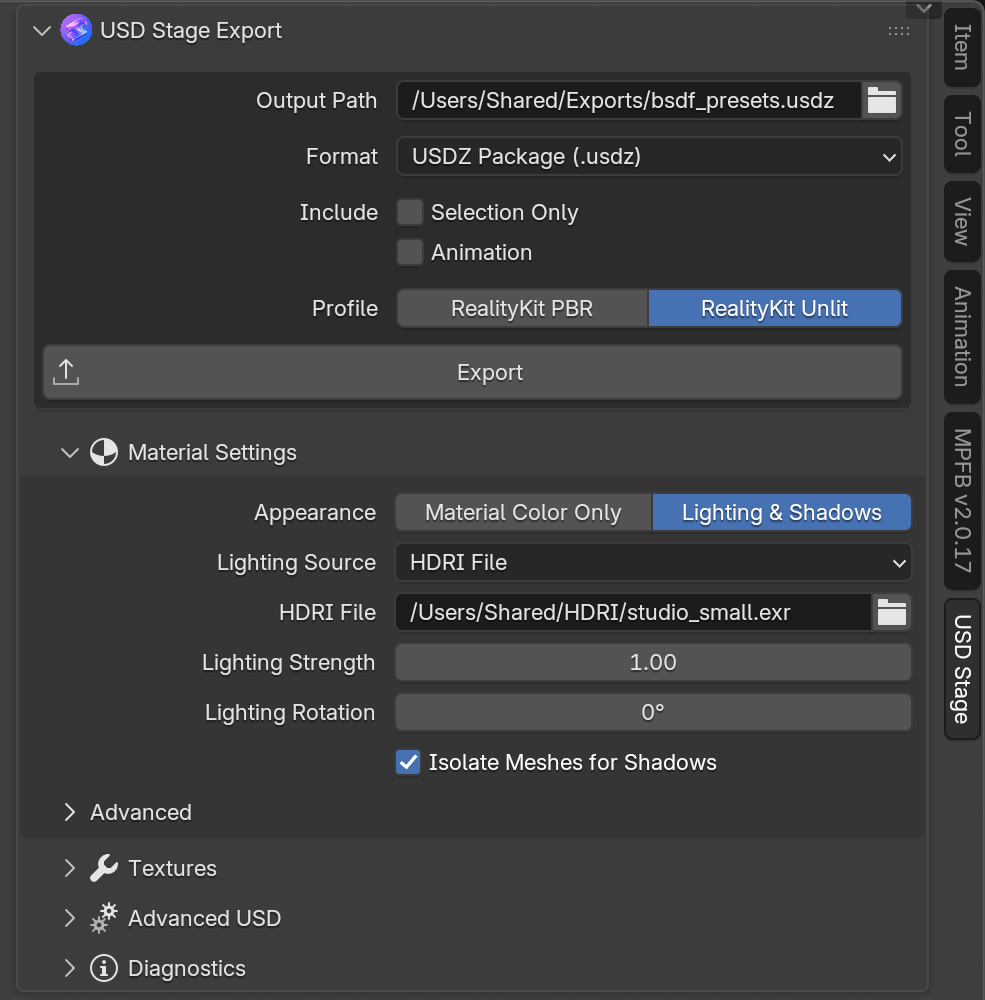
Everything starts from the USD Stage tab in the 3D Viewport sidebar. Pick an output path and a format, then choose a Profile:
- RealityKit PBR ▸ Translate Materials turns compatible materials into editable RealityKit graphs.
- RealityKit PBR ▸ Bake Materials bakes complex materials but keeps dynamic RealityKit lighting.
- RealityKit Unlit ▸ Material Color Only exports material colour that ignores scene lighting.
- RealityKit Unlit ▸ Lighting & Shadows keeps Blender's lighting and shadows, from the scene's World or an HDRI.
Baking runs in a second Blender process, so the interface stays usable while it works.
Materials you can keep editing
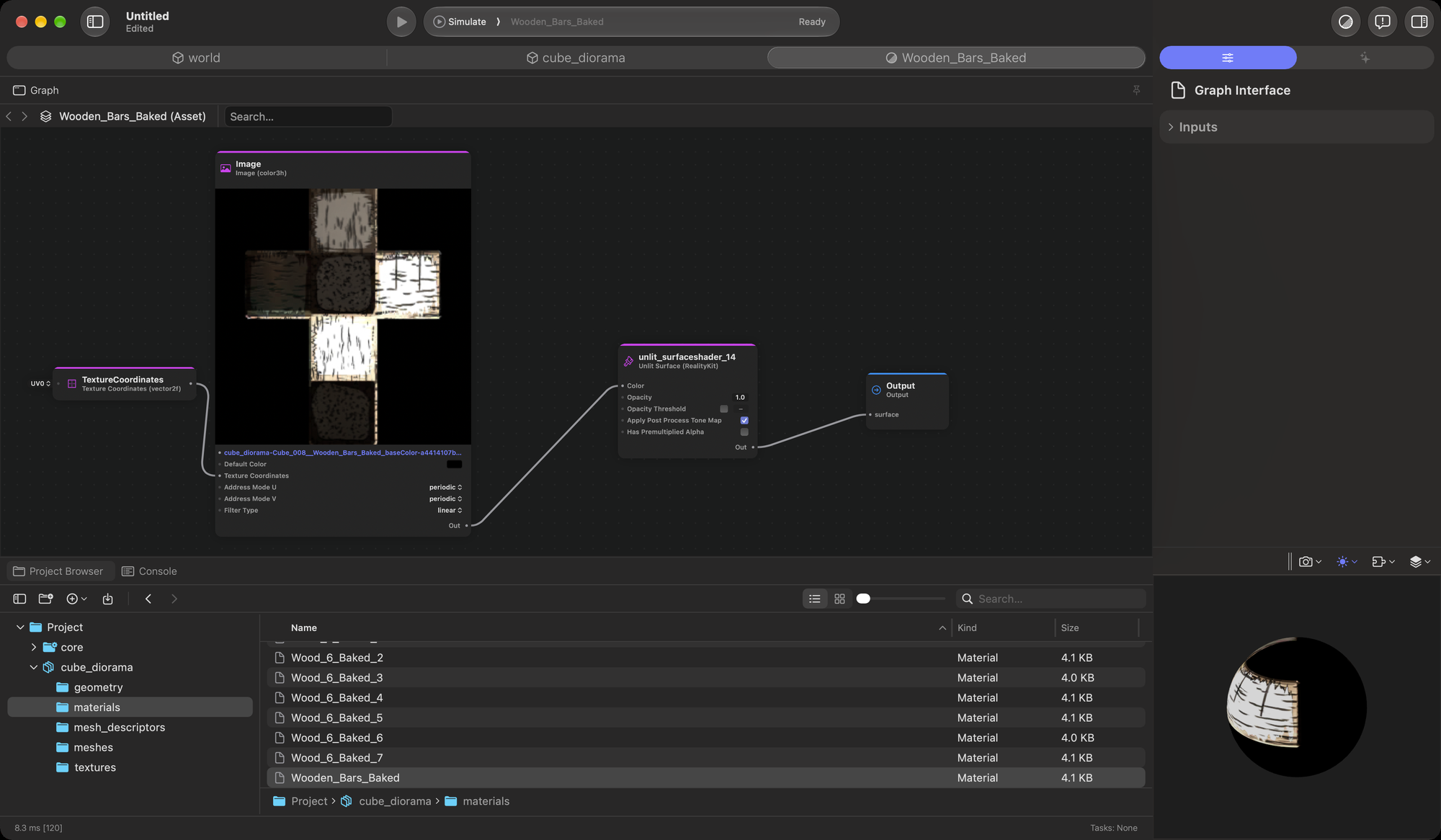
Translated materials land on RealityKit's PBR Surface 2 as MaterialX 1.39 graphs. The supported shader nodes, from Principled BSDF inputs to Math, Mix, Noise and Bump, follow Cycles' own formulas, so the export stays close to what Blender renders. The Principled Hair BSDF exports as RealityKit's hair surface on mesh hair cards.
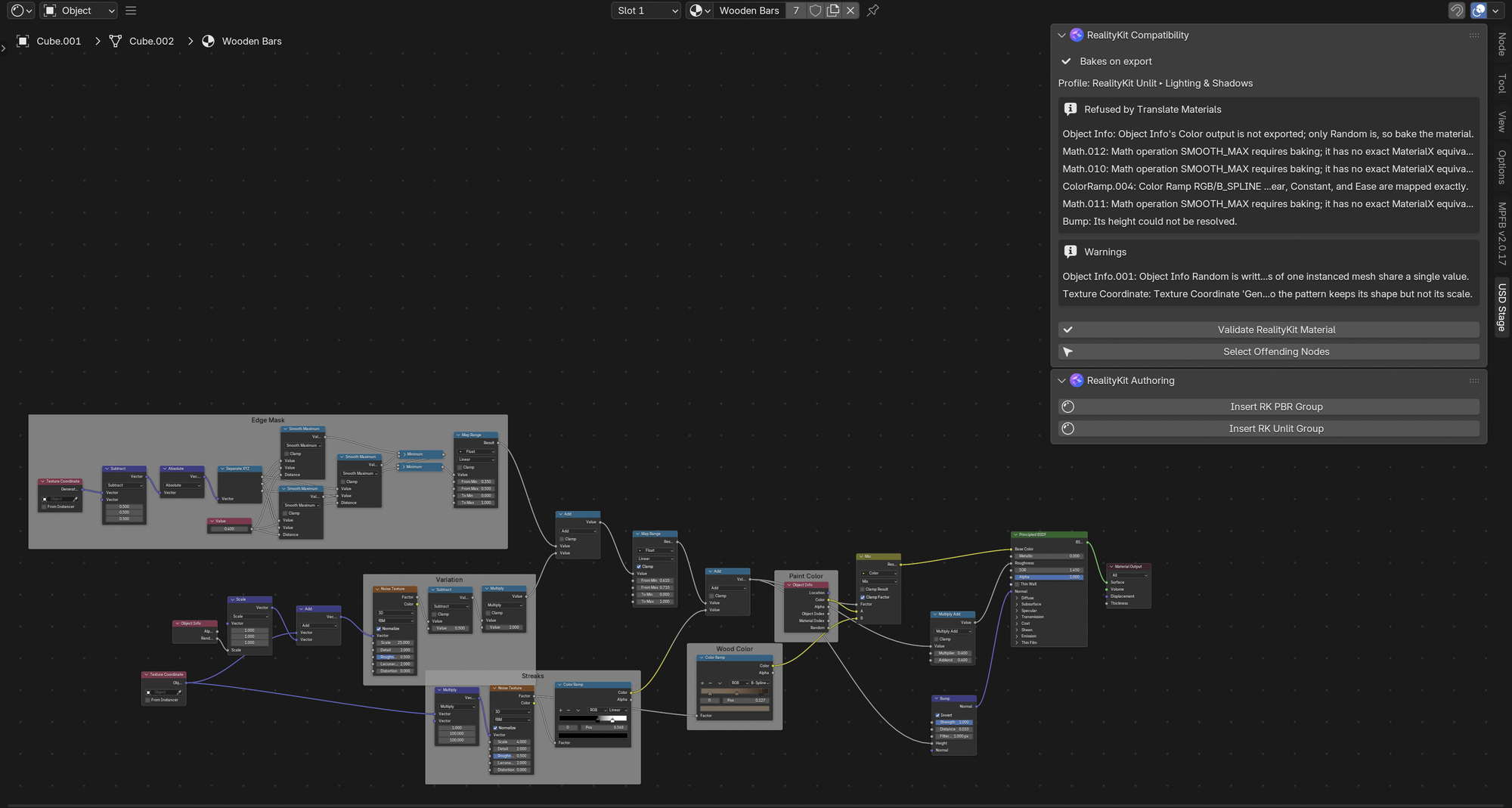
Validation is strict. When a node or value has no exact RealityKit form, the export stops and names the node and the fix, instead of quietly producing something different.
Shader Editor tools
The RealityKit Compatibility panel checks the active material against the Profile you picked. It lists the nodes that block translation and selects them for you. With a baking Profile, it tells you the material will bake instead. The RealityKit Authoring panel and the Add ▸ RealityKit Nodes menu insert RealityKit node groups directly.
Scenes, not just meshes
- Animation: transform animation, skinned meshes, shape keys, vertex displacement and drivers over
frame. - Instancing: collection instances export as USD instances that share one prototype.
- Portable output: every export is Y-up, -Z forward and in meters, with textures staged beside it under relative paths.
Command line and AI agents
The same exports run without opening Blender's interface:
usdstage validate scene.blendchecks every material before you export.usdstage export scene.blend -o scene.usdztranslates and exports.usdstage bake-export scene.blend -o scene.usdz --bake-mode LIT_ALBEDObakes, then exports.
Every command prints JSON, and the repository ships two agent skills, usd-stage-cli and usd-stage-setup, so an AI agent can export, bake, validate and change settings for you.
Part of USD Stage
USD Stage for Blender is part of USD Stage, Studio Meije's product for reviewing and optimizing 3D assets. Teams bring assets into one place, review and optimize them together, discuss changes in context, and make approved content available across the Immersive Suite.
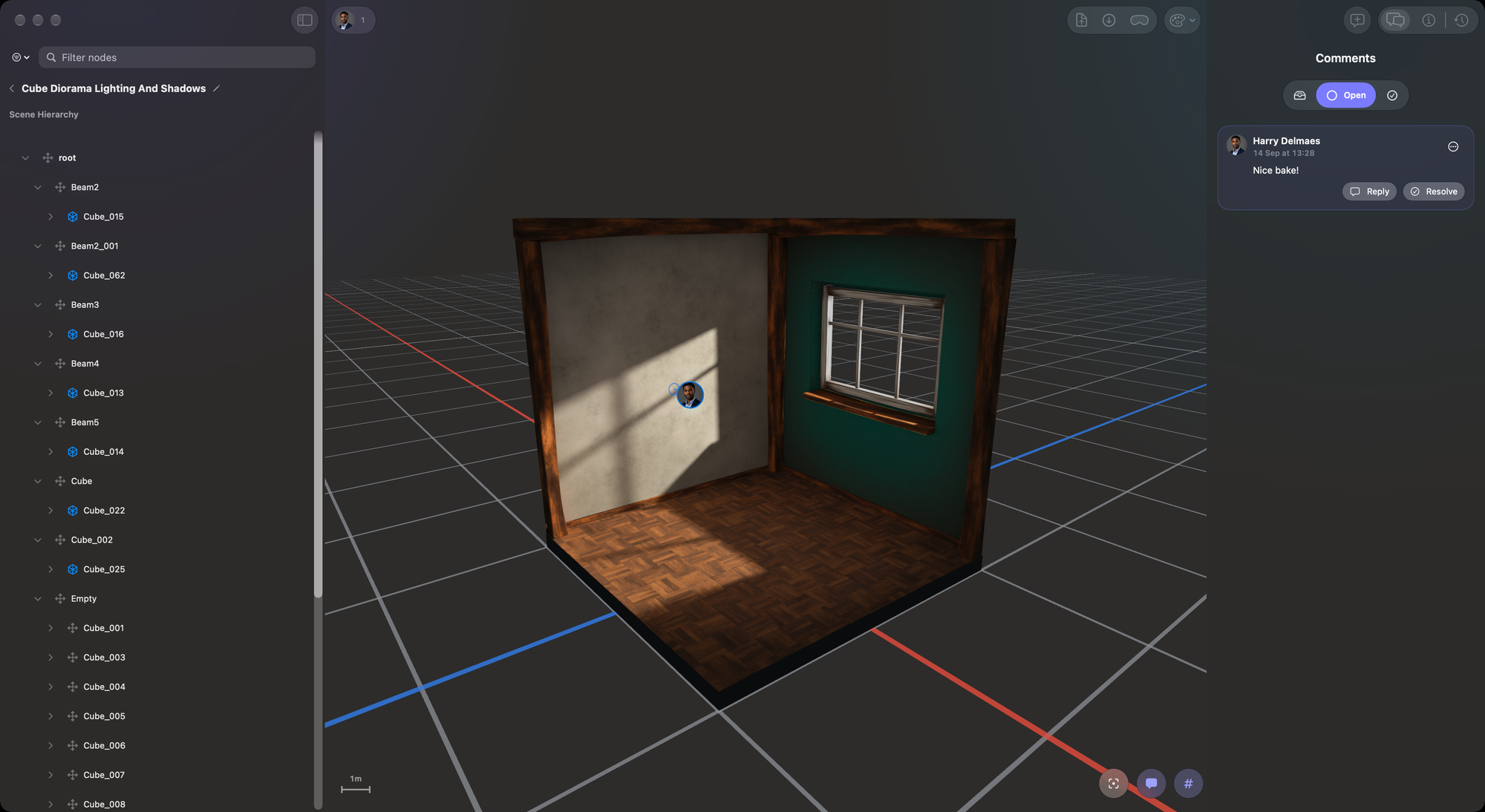
USD Stage is in beta. Enterprises can apply for early access now at usdstage.com.
Coming from BlenderToRCP
USD Stage for Blender is a new extension, so nothing carries over automatically. Uninstall BlenderToRCP, install the new one, and set your export settings again. The changelog lists the renamed command line, environment variable and material property.
Get it
Head to the GitHub repository: github.com/studiomeije/usd-stage-blender.