
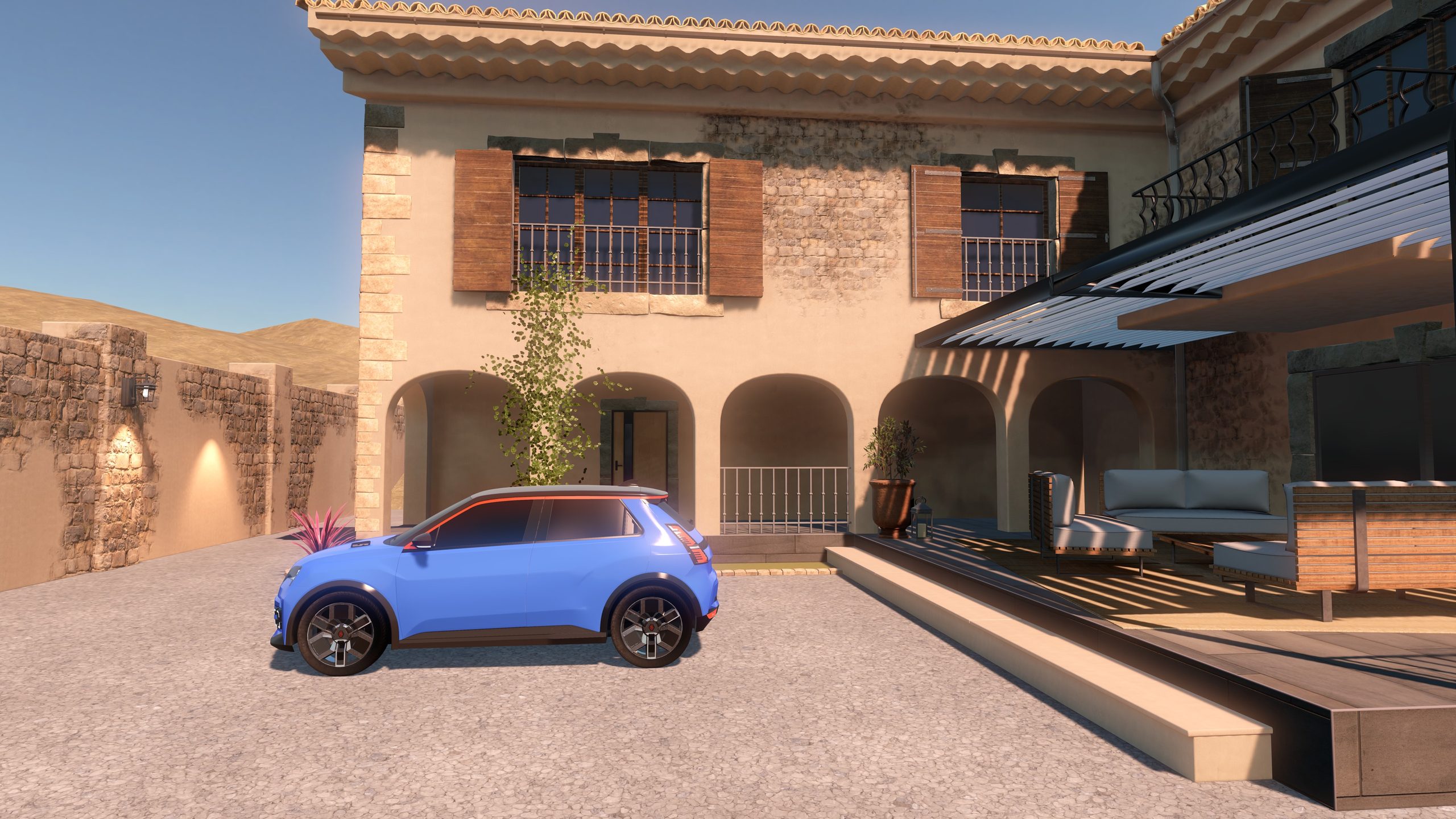
Today we are releasing Meije Render Lab on the App Store for Apple Vision Pro. It started as an internal R&D prototype, built with Matthieu Fraccaro, who joined us as an intern this summer. Matthieu created all the 3D artwork you see in the app, and he is already a great artist, so go and follow him. We are sure he will do great things.
Why we built it
We wanted to explore NVIDIA CloudXR streaming against local rendering with RealityKit: should a complex 3D experience run on Vision Pro itself, or be rendered on a PC and streamed to the headset? So we built one environment and rendered it both ways.
Development took about two months. We ended up with a good showcase of both approaches, and an app anyone with a Vision Pro can try.
One scene, two ways to render it
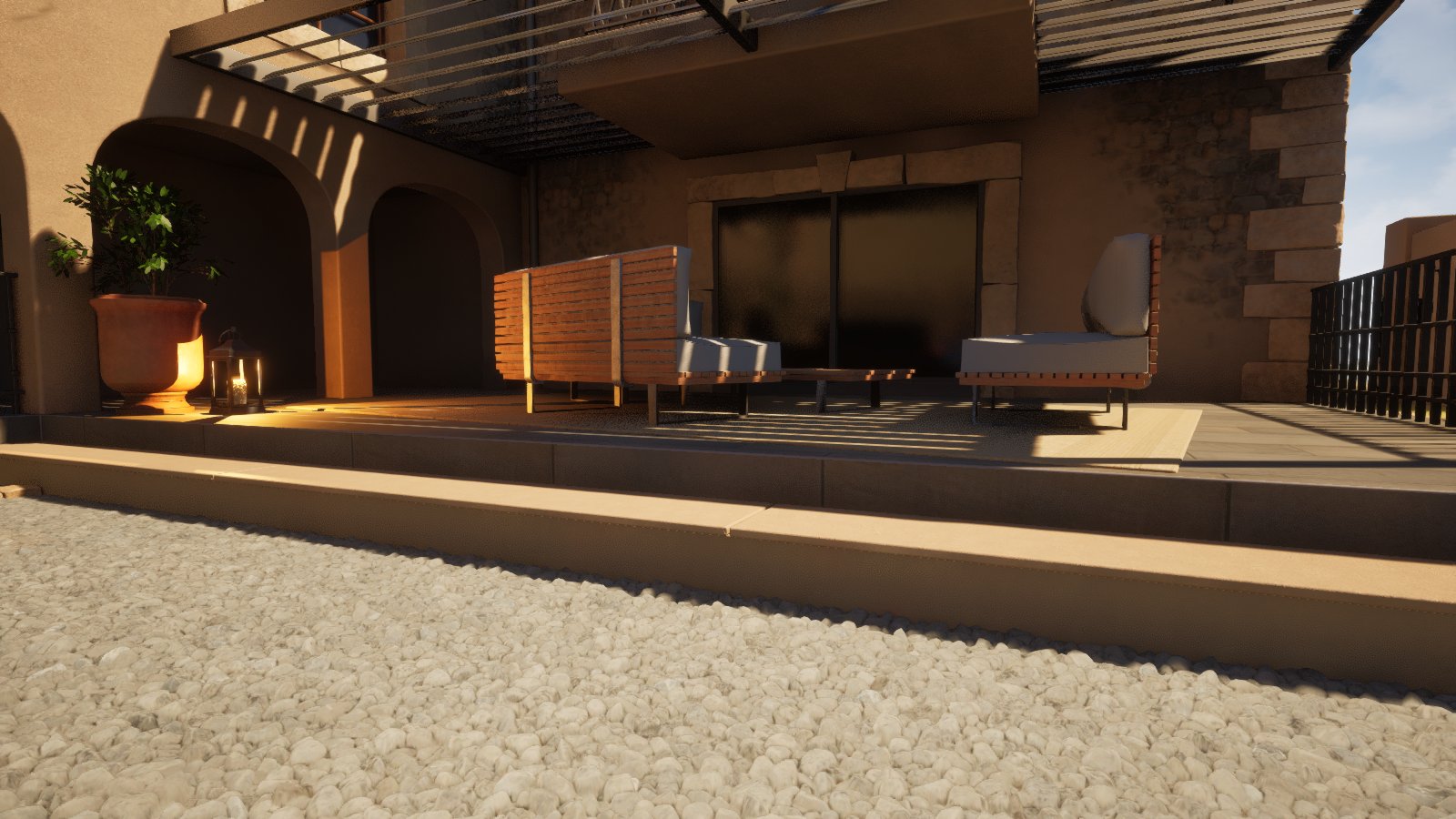
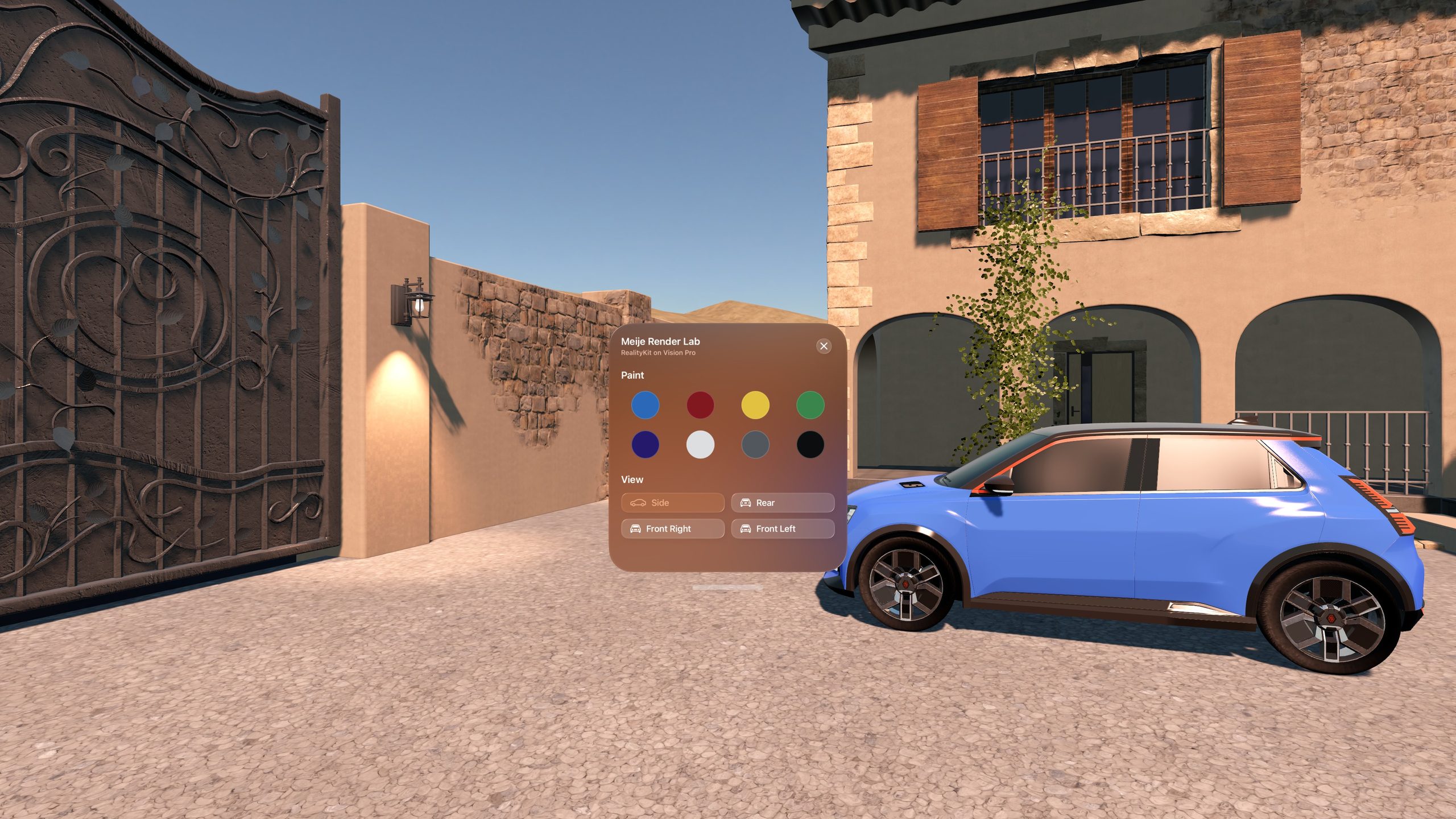
The scene is a furnished house with a courtyard, foliage and a car.
- On the headset: RealityKit renders the whole courtyard on Vision Pro, with baked lightmaps, image-based lighting and real-time lantern lights. No PC, no network.
- On a PC: Unreal Engine 5.8 renders the same scene on a Windows PC with an NVIDIA RTX graphics card. NVIDIA CloudXR streams it to Vision Pro through Apple's foveated streaming framework. The headset finds the PC on your network, or you enter its IP address.
Same app, same controls
Both versions share the same interface, so you can look at the same detail in each and judge the difference yourself.
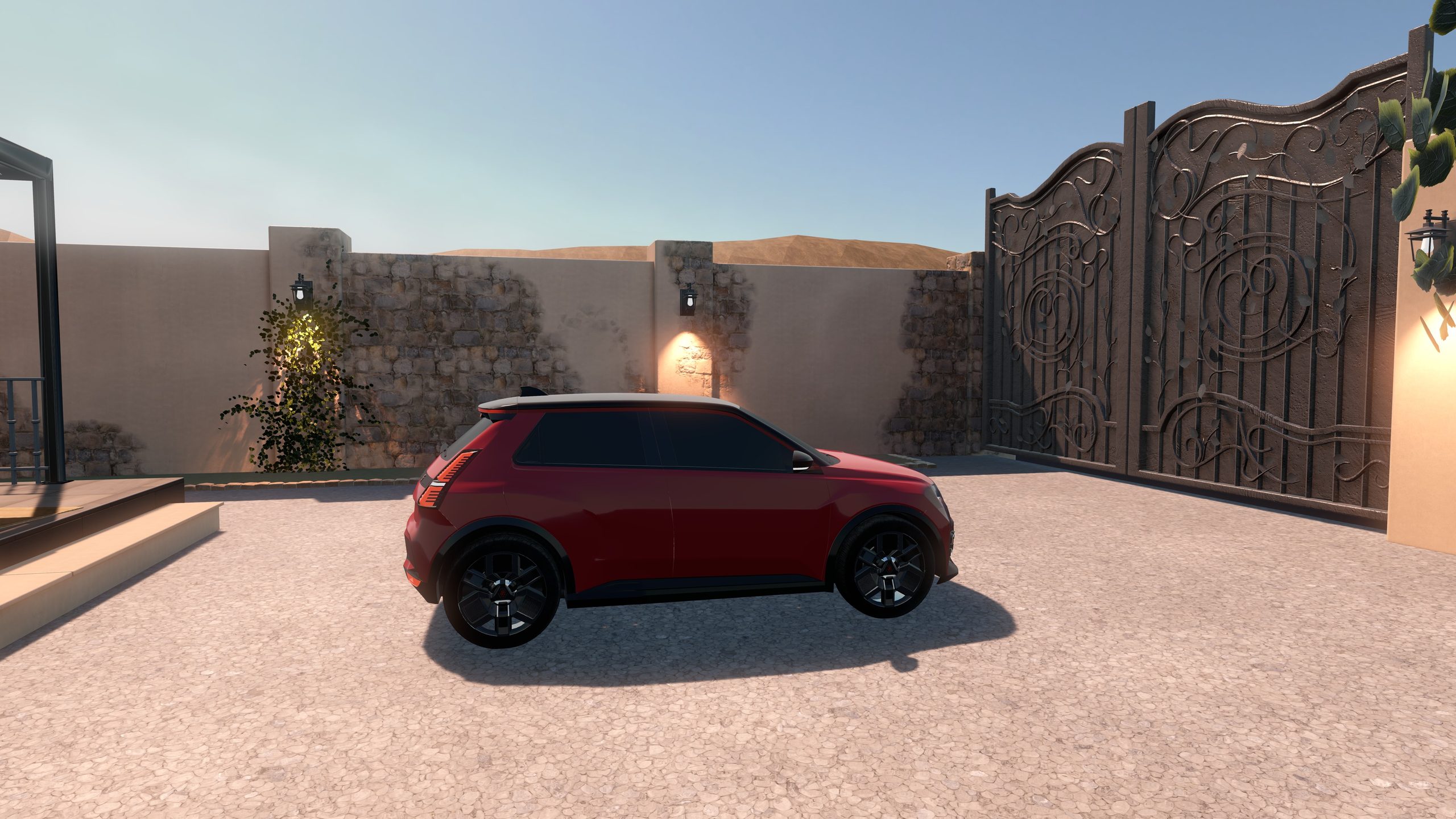
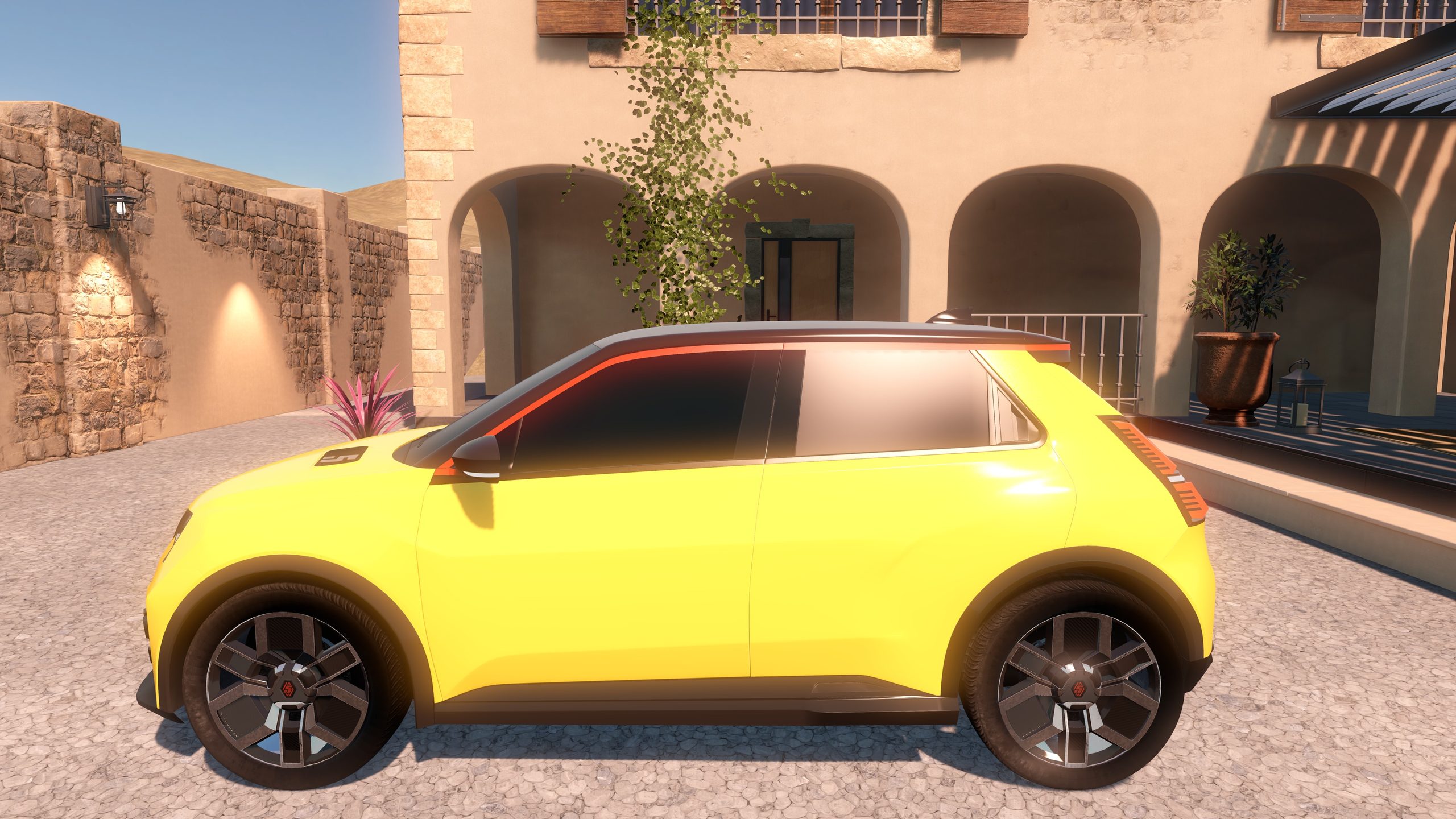
- Repaint the car in one of eight colours and see how each renderer handles reflections and light.
- Teleport between four viewpoints around the car: side, rear, front right and front left.
What we learned
Plan for a lot of GPU. An RTX 5080 turned out to be on the light side for good performance. If you are aiming for streaming above 4K, plan for more than that.
Try it
Meije Render Lab is free on the App Store for Apple Vision Pro. The local version works on its own. To try the streamed version, download the free Meije Render Lab host for Windows from the app's page, run it on a PC with an NVIDIA RTX graphics card, and choose Stream from Your PC in the app.
Thank you again to Matthieu for this beautiful scene. And if your team is weighing local rendering against streaming for a Vision Pro project, let's talk.